
Dashboard & quick access
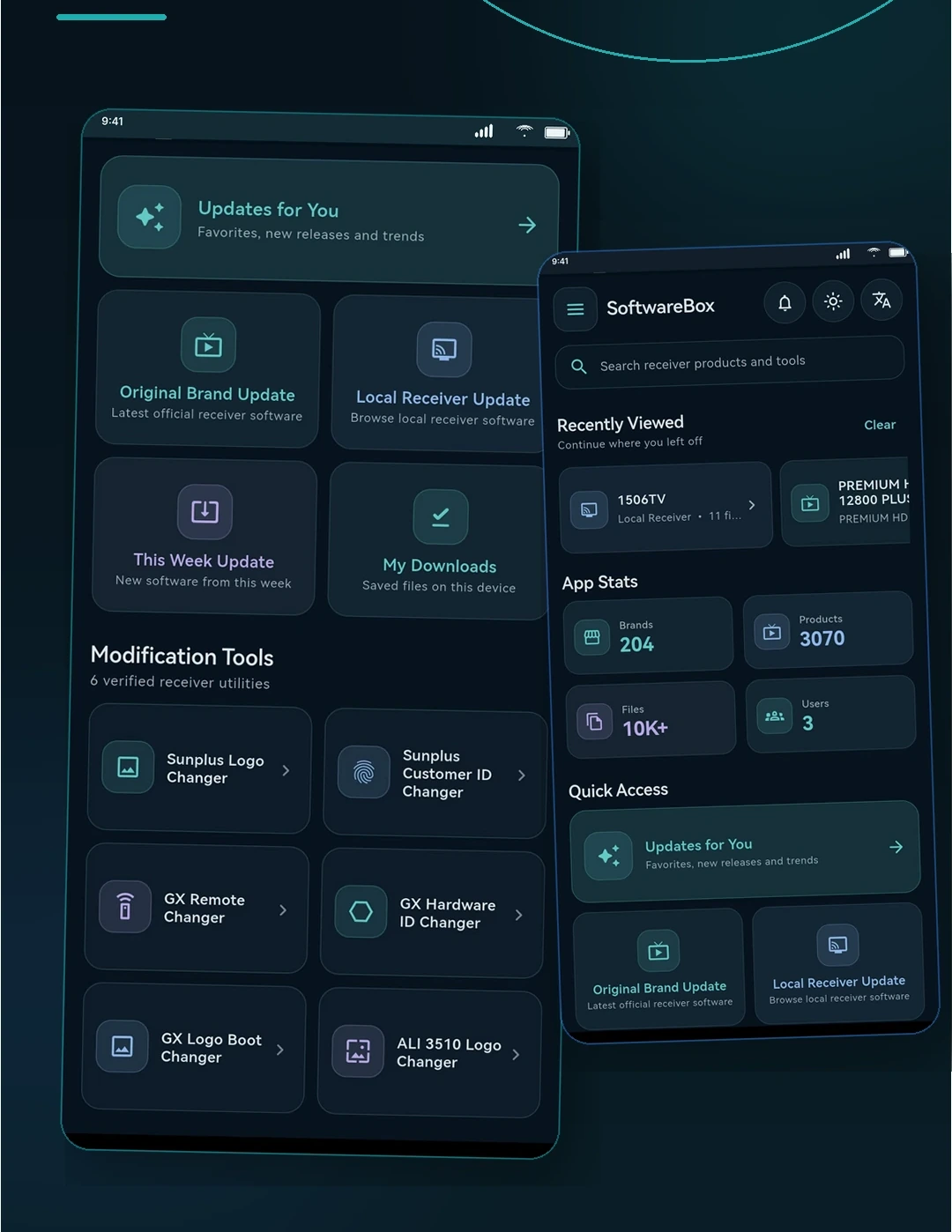
Important areas stay visible without forcing unnecessary scrolling.
Receiver software · downloads · tools
Discover receiver software, open detailed product files, follow a clearer download flow, save favorites and use practical built-in tools from one polished Android app.
Core experience
SoftwareBox brings discovery, downloads, saved items, updates and practical receiver utilities into one clear workflow.
Important areas stay visible without forcing unnecessary scrolling.
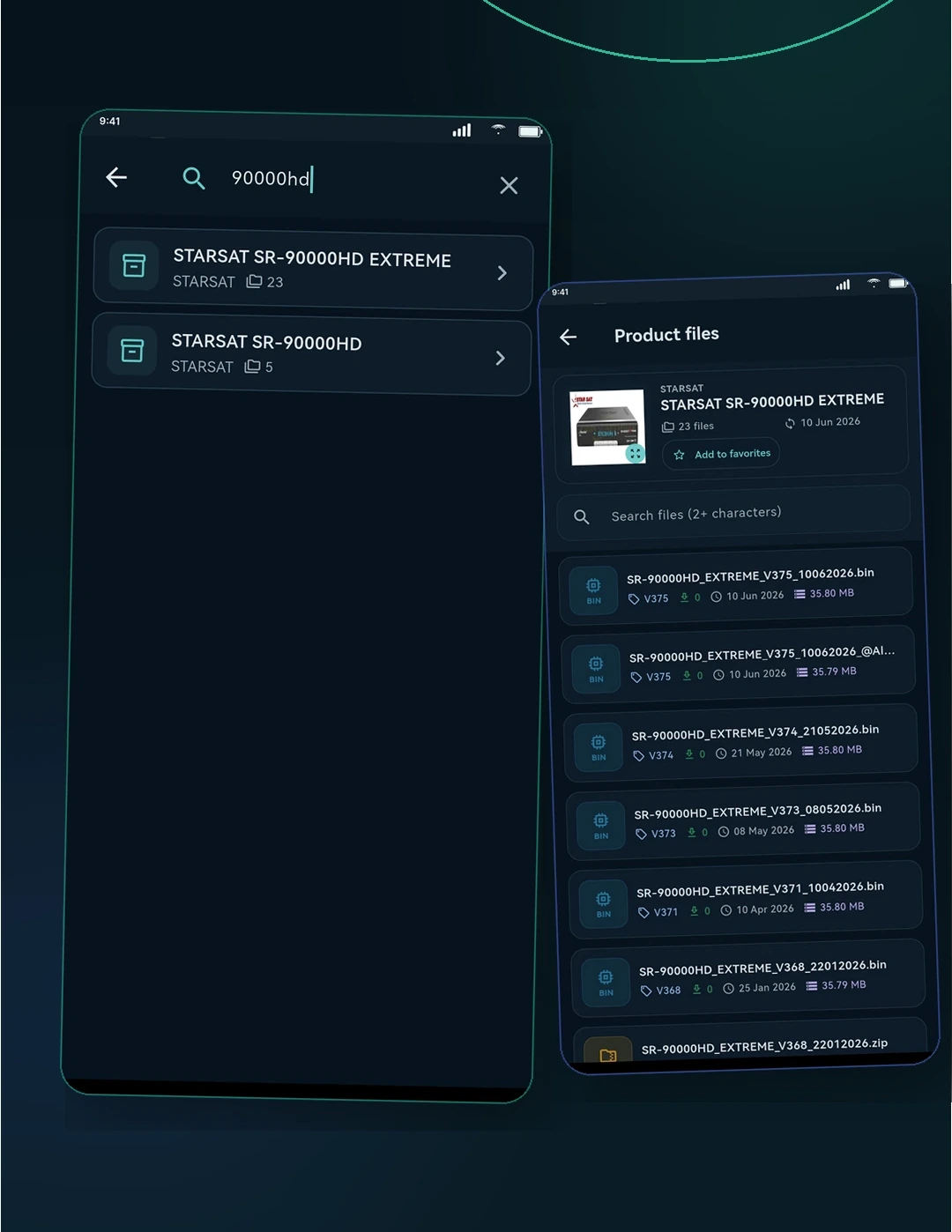
Move from a receiver model to its available software more directly.
Keep file decisions, progress, favorites and recent activity easier to understand.
Practical receiver utilities live beside the software users already browse.
Feature showcase
See how the app helps users find receiver software, review file details, manage downloads and use built-in tools.
01 · Discover
Search and product browsing are designed to reduce the distance between a model name and the file the user actually needs.
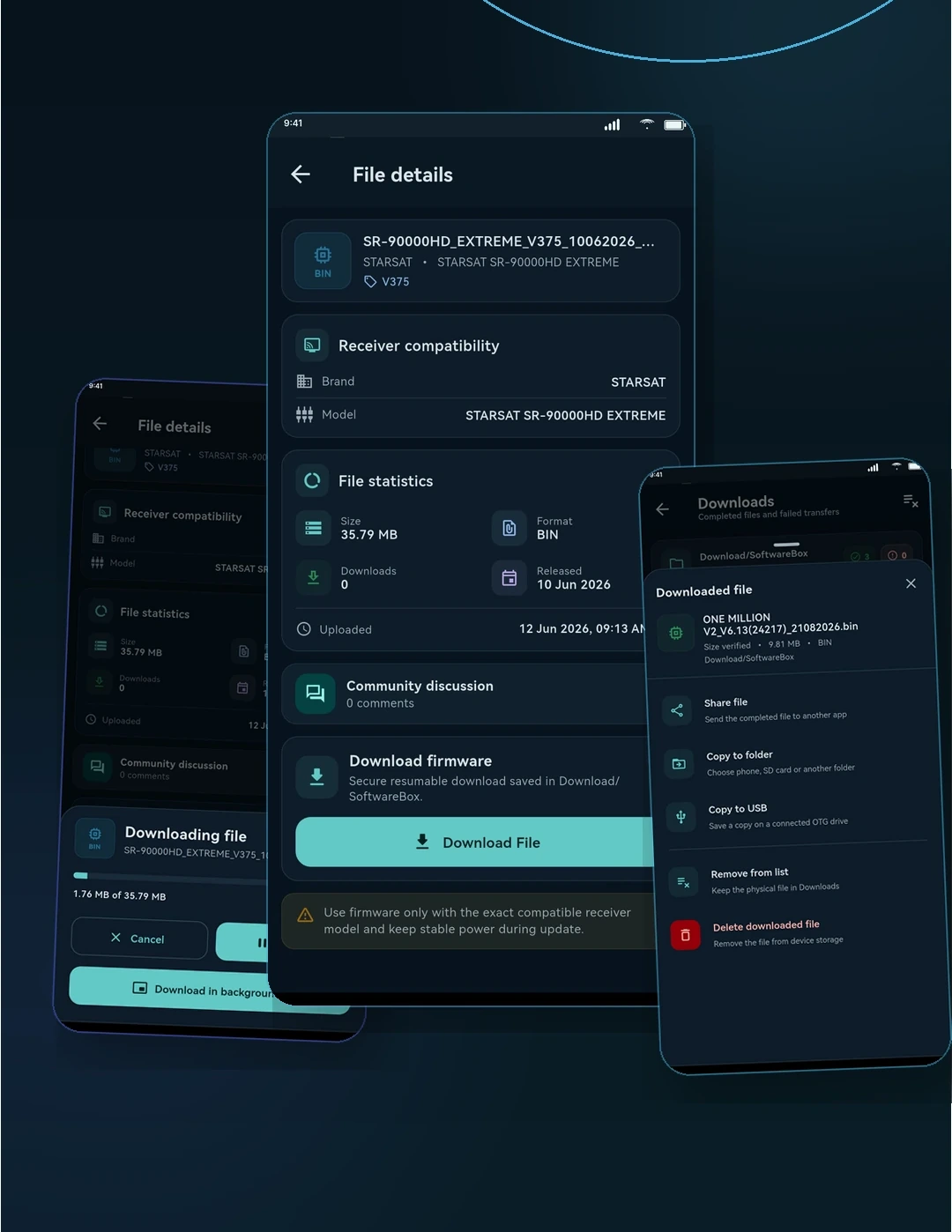
02 · Download
Detailed file views help users identify the right receiver software and understand the next action before saving it.
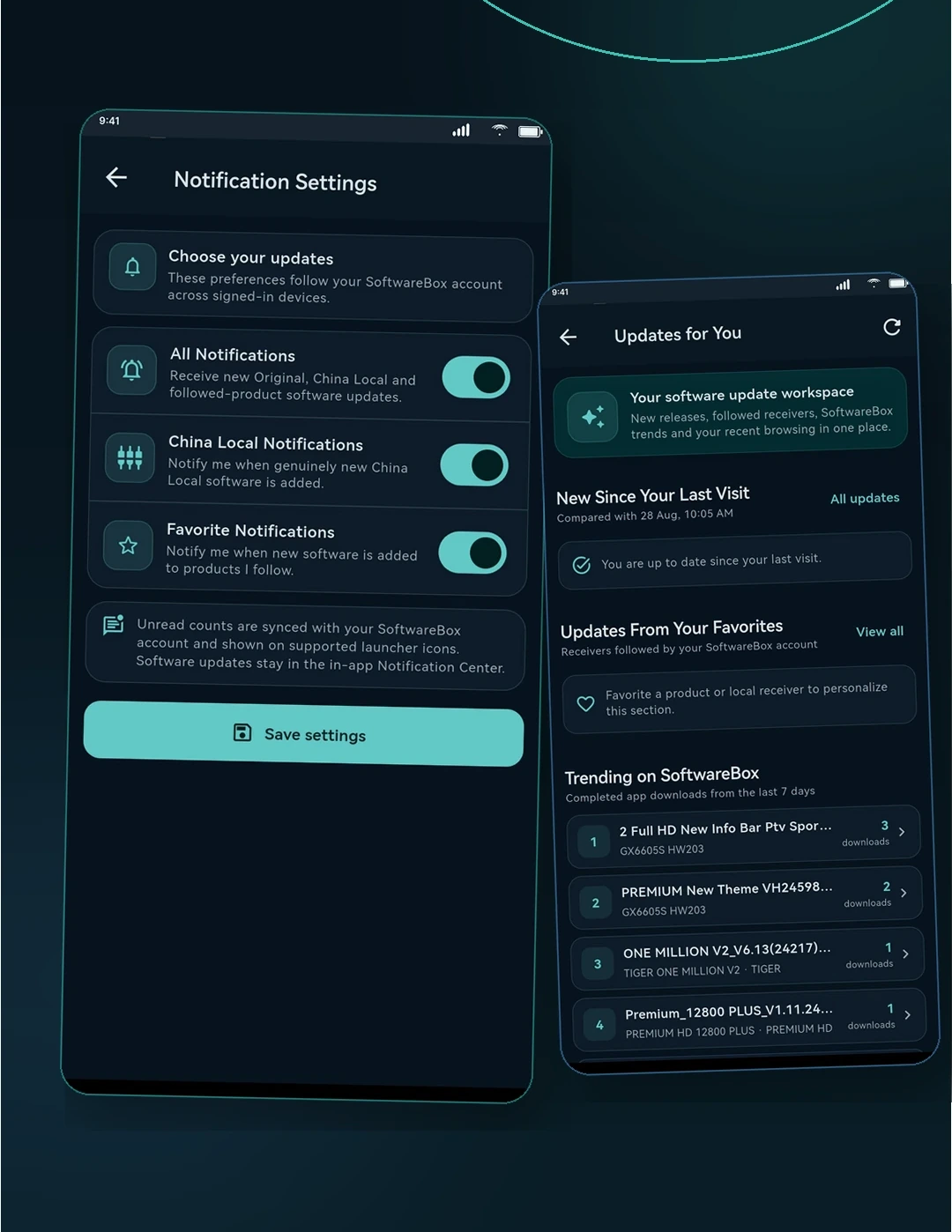
03 · Stay current
Notification views and organized local software categories keep fresh content visible while preserving a calm interface.
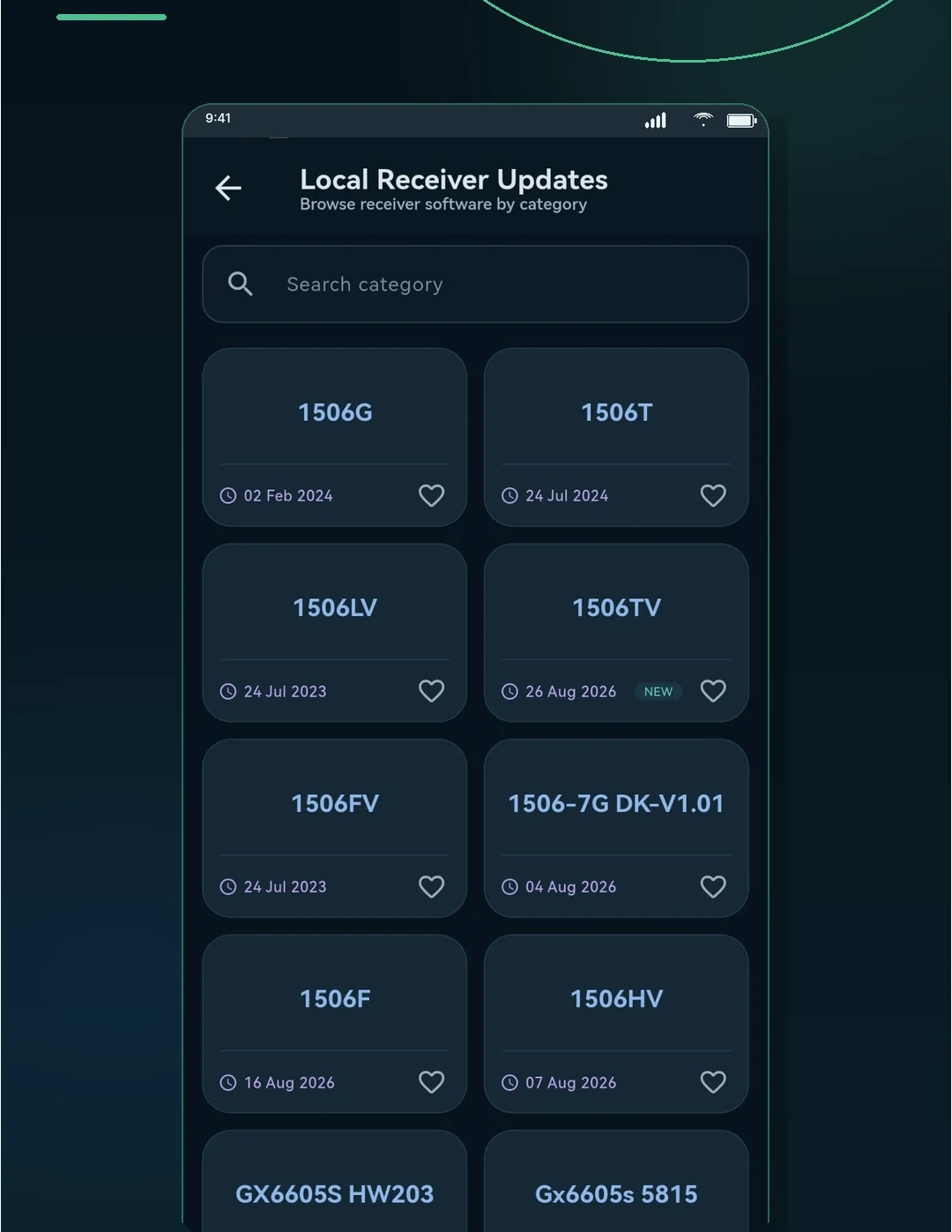
04 · Remember
Saved items and activity history make it easier to return to important receiver software without repeating the entire search flow.
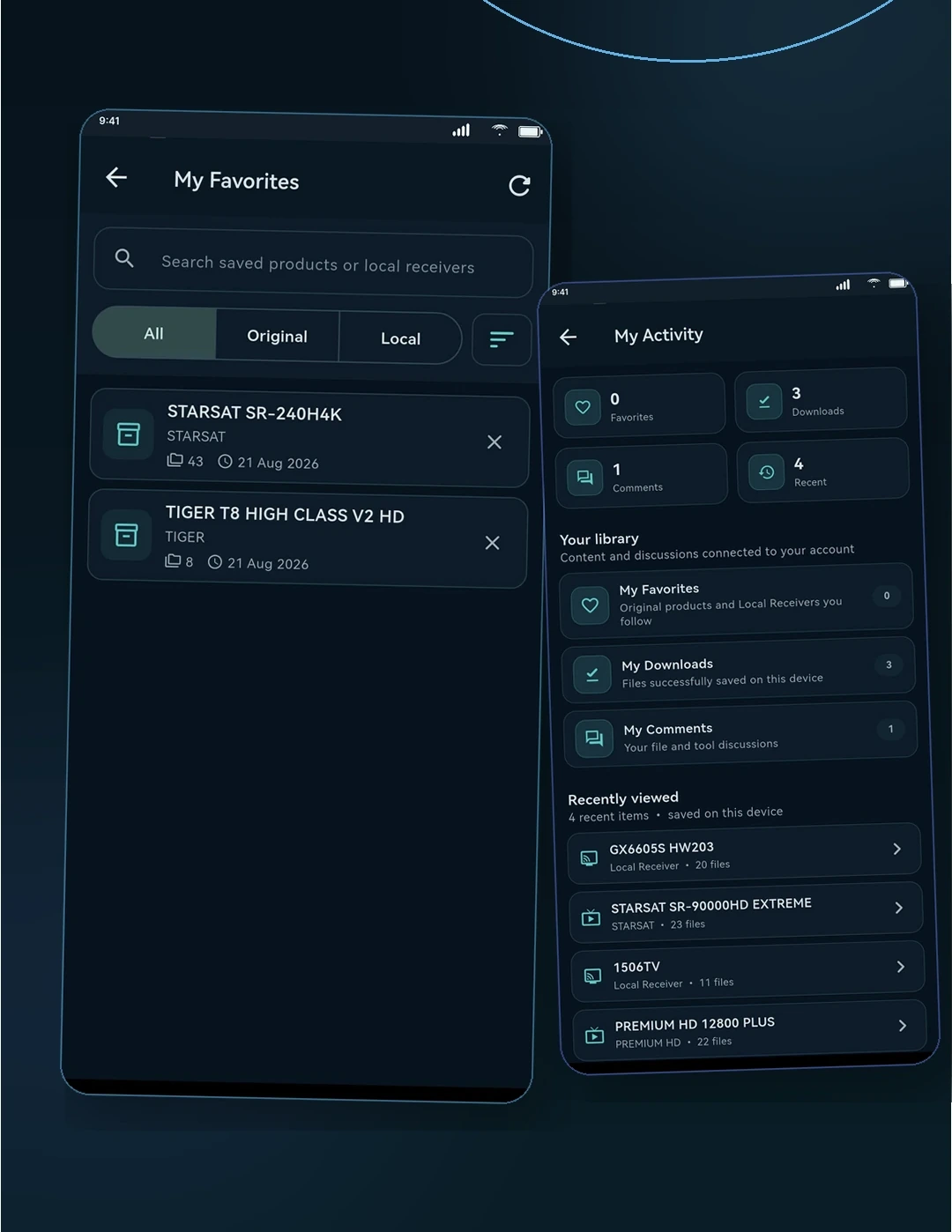
05 · Tools & reach
The app feels more finished when tools, international language support and privacy/help access belong to the same visual system.
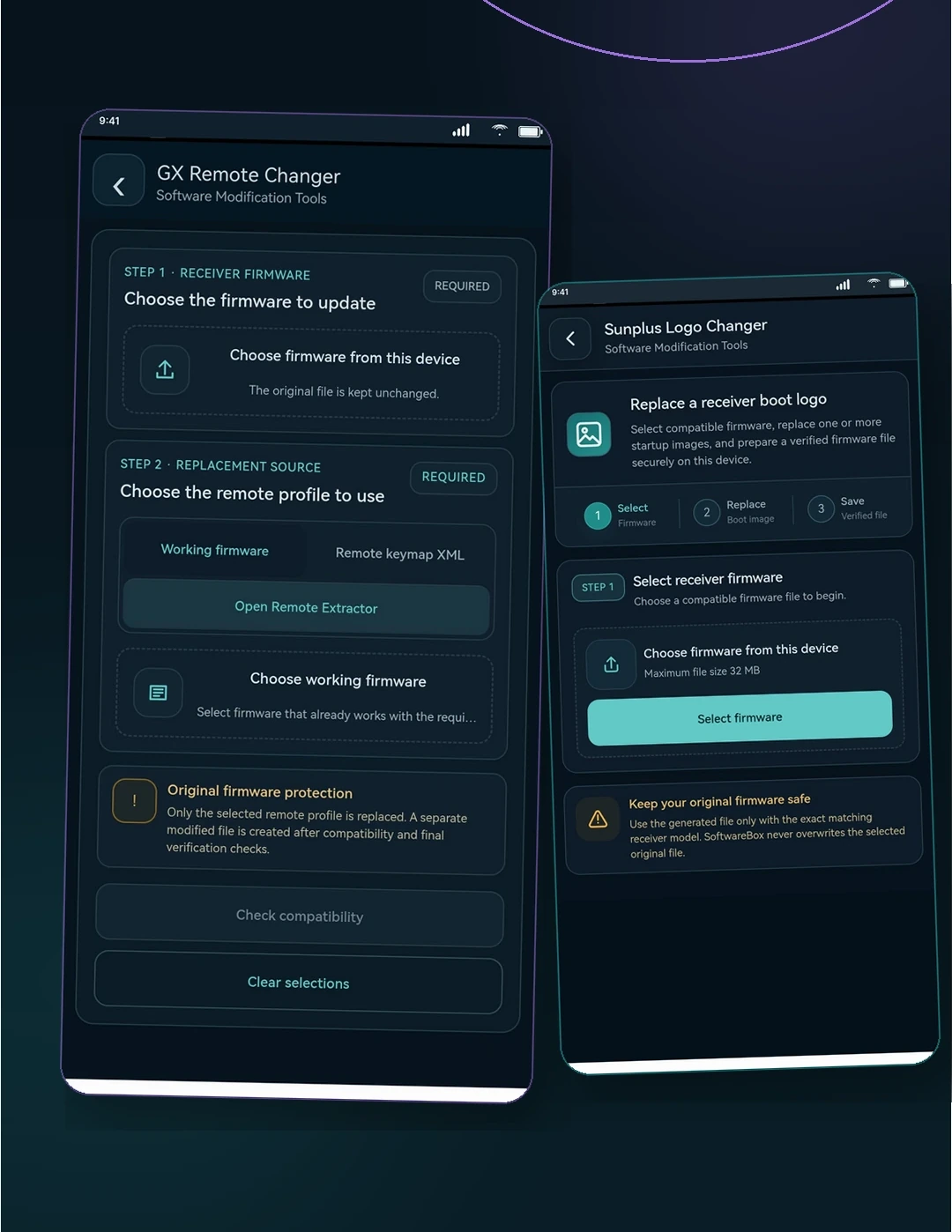
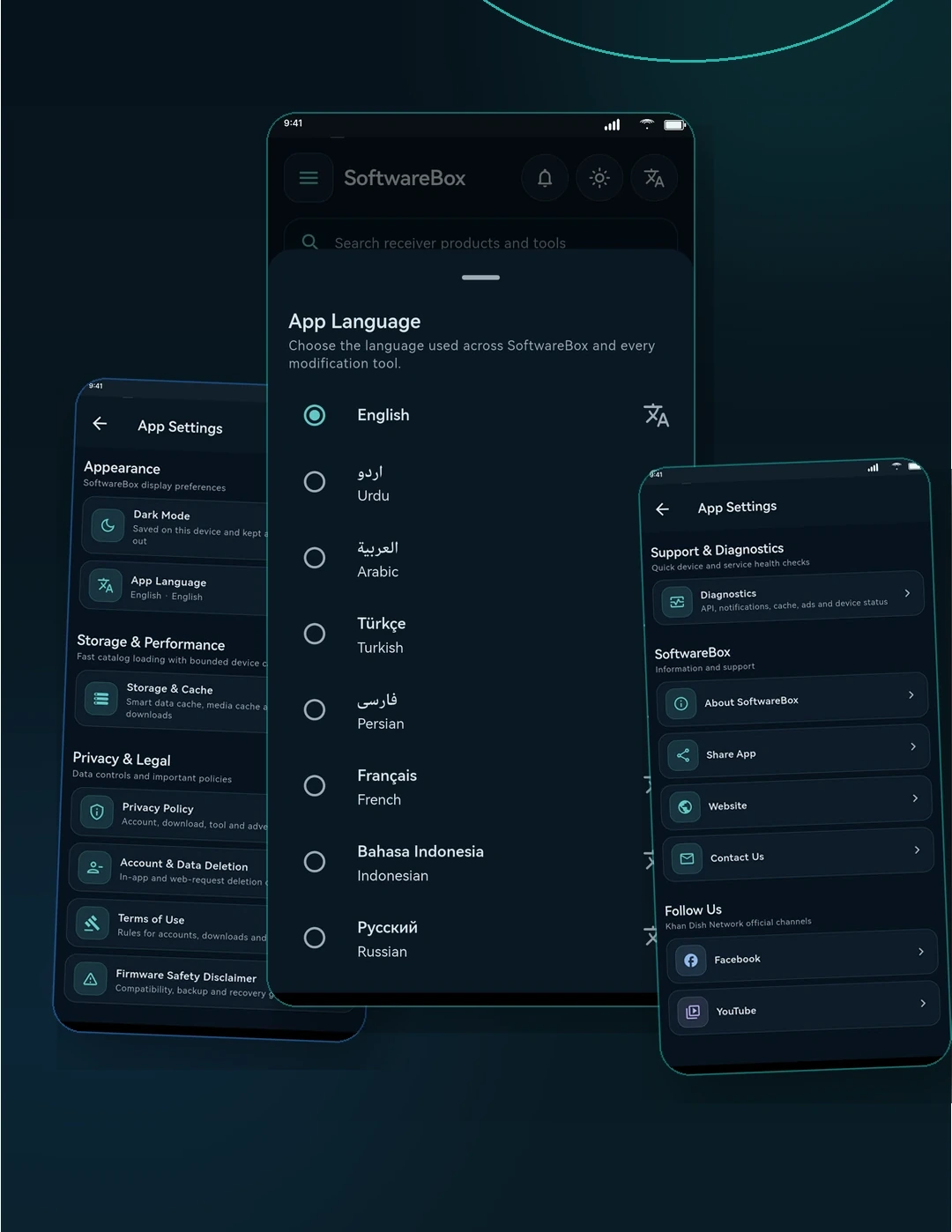
Download SoftwareBox
Google Play will be the primary installation channel. Additional official options will appear here only when they become available.
Preferred Android install route once the official Play Store listing is live.
Google PlayComing soonReserved for an iOS release so the public page can remain cross-platform ready.
App StoreNot yet availableOfficial-domain download option for users who need the Android package directly.
APK DownloadNot yet availableAbout SoftwareBox
SoftwareBox combines trusted discovery, practical file workflows and useful tools in a focused Android experience.
SoftwareBox is an Android utility app for receiver software discovery, product files, downloads, local receiver updates, favorites, activity history and built-in modification tools. It is designed to help receiver users move from discovery to the correct file with a clearer, more organized workflow.
The official public page at app.khandishnetwork.net connects real app screenshots, feature explanations, official download options and the SoftwareBox legal center.
Privacy Policy, Terms of Use, Community Guidelines and Account Deletion pages remain directly accessible for users, app review and public trust.
Explore SoftwareBox features now and install from the official Google Play listing when it becomes publicly available.